2 3
GB
GB
SAT: Satellite Receiver, Cable Receiver, ADSL Box,
DVBT Receiver, ... AMP: Amplifi er, CD Player, HiFi
System,...
4. While the indicator is lit, enter the fi rst digit of the
4-digit code proposed for the set to be controlled
(example: 0036 for Thomson).
5. Direct the remote control towards the set and try to
switch it off by pressing the key G.
6. Should the set not switch off, repeat step 2. Then
type in the next 4-digit code. Try to switch off the set
by pressing key G once. Repeat this procedure by
trying out each of the 4-digit codes.
Check of the programming:
In principle, your set is ready for receiving the remote
control commands.
Check your remote control for proper functioning by
performing the test described on page 2.
Method C – Programming by means
of code retrieval
Should none of the codes work, you still have the
possibility of retrieving the appropriate code without
having to perform any input.
1. Switch on the set you want to control.
2. Hold down the SETUP key until the red indicator
light blinks and then remains lit (the indicator light
remains on for a few seconds to give you the time
to proceed with the following steps. The indicator
lamp fl ashes to signal that this time is almost up,
and then goes off). Release the SETUP key.
3. Press the key that corresponds to the type of
equipment you want to control: TV: Television Set,
DVD: DVD Player, Video Recorder, VCR, AUX,
SAT: Satellite Receiver, Cable Receiver, ADSL Box,
DVBT Receiver, ... AMP: Amplifi er, CD Player, HiFi
System,...
4. Direct the remote control towards the set and try to
switch it off by pressing the key G.
5. If the set you want to control switches off, press
OK to memorise the code.
6. Should the set not switch off, press key G as many
times as required (up to 200 times), until the set
switches off. Between pressing the keys, be sure
to leave enough time for the indicator light to go
out and then relight (about 1 second). Proceeding
this way will enable you to see whether the set
responds or not.
7. Immediately upon the switching-off of the set to be
controlled, press OK to store the code.
Check of the programming:
In principle, your set is ready for receiving the remote
control commands.
Check your remote control for proper functioning by
performing the test described on page 2.
Try out other remote control keys to fi nd out the range
of functions you can control. If you think that not all
of the keys are active, repeat the procedure of this
programming method to fi nd out the code supporting a
wider range of features.
Method D – Automatic
code search
With this method, the remote control scrolls through
the full code list by sending an IR signal to the set to be
controlled remotely. Proceed as follows:
1. Switch on the set you want to control.
2. Hold down the SETUP key until the red indicator
light blinks and then remains lit (the indicator light
remains on for a few seconds to give you the time
to proceed with the following steps. The indicator
lamp fl ashes to signal that this time is almost up,
and then goes off).
3. Release the SETUP key.
4. Press the key that corresponds to the type of
equipment you want to control: TV: Television Set,
DVD: DVD Player, Video Recorder, VCR, AUX,
SAT: Satellite Receiver, Cable Receiver, ADSL Box,
DVBT Receiver, ... AMP: Amplifi er, CD Player, HiFi
System,...
5. Press the P+ or standby G or B (DVD/VCR only)
key. After a few seconds, the remote control begins
to scroll through the whole code list included in the
library (at a rate of roughly 1 code per second).
Press the P+ , G or B key once again to slow
down the test speed (1 code every 3 seconds). As
soon as the set changes channels (or turn off, or
start to play the disk), you must press OK to save
the code and stop the remote control scrolling
through the list. If you do not react quickly enough,
you can go back to the previous code by pressing
P- or E (DVD/VCR only) as many times as
necessary (you can go forward by pressing G ,
P+ or B (DVD/VCR only) if you have gone back
too far). As soon as the set responds again, press
OK to save the code.
Method E – Programming for control of a
COMBO (combined TV-VCR, TV/DVD, VCR/
DVD, … set)
Depending on the COMBO group (TV/VCR, VCR/
DVD, etc.) and the make, you will be required to
enter a single code for both devices in the COMBO,
or to enter two codes, one code per device. Consult
the separate list to discover this. Before you start
programming, you must fi nd the subcode or code
of the subset to be controlled (television or video
recorder...). Refer to the list supplied with this user
manual (see page subcodes or codes).
1. Switch on the COMBO you want to control.
2. Hold the SETUP key down until the red indicator
lamp blinks and then remains lit. Release the
SETUP key.
3. Press the key of the fi rst device to control, and then
follow one of the programming methods A, B, C or
D previously described.
4. If a second code programming is required, then
repeat steps 2 and 3 above.
How to retrieve
a programmed code
It may be useful to retrieve the code programmed in
the remote control.
1. Hold down the SETUP key until the red indicator
light blinks and then remains lit. Release the SETUP
key.
2. Press the key that corresponds to the type of
equipment you want to fi nd the code:
TV: television set, DVD: DVD player, VCR: Video
recorder,
SAT: satellite receiver, cable, DVBT, ADSL, AMP:
audio equipment and AUX: any appliance.
3. Press the SETUP key again briefl y, the indicator
light blinks once.
4. Press the number keys (0 to 9) until you notice that
the indicator lamp blinks once.
5. The number which made the indicator lamp blink
is the fi rst of the four fi gures comprising your code,
write it down.
6. Repeat step 3 to fi nd out the 3 other numbers of
the code.
7. When the fourth fi gure is found, the indicator lamp
goes out.
Check of
the programming
- For a television or a satellite receiver: switch on
and, for example, press 2 to change channels,
etc...
- Video recorder: load a tape and then press B.
- DVD player: load a DVD and then press B.
Try other remote control keys to fi nd out the range of
functions you can control. If you think that not all of the
keys are active, try the programming Method B or C.
When you have retrieved the code of
your set, jot it down so that you can use it
whenever needed.
After battery replacement, you may have to
programme the remote control again.
Other functions
Placing all devices on standby
Press the G key twice in less than one second, keeping
it held down the second time. All the devices go on
standby one after the other (the devices which were
already on Standby may turn on).
Adjustment of ALL volume controls under a
specifi c mode
In its delivered state, the ROC6309 is programmed
such that all modes will use their own Volume and
Mute functions if present.
You can allocate the volume control to one of the
modes of the remote control on condition that the
volume control exists on the corresponding device
(e.g. control of TV sound in TV mode, DVD mode, VCR
Mode, etc.).
1. Hold the SETUP key down until the red indicator
lamp blinks and then remains lit.
2. Release the SETUP key
3. Press the
H key until the red indicator lamp blinks
once.
4. Press once on the mode key (TV, DVD, …)
corresponding to the device whose volume will
always be controlled by the VOL and H keys.
5. Press the H key once. The red indicator lamp goes
off.
6. All other mode will now punch-through to your
chosen mode for Volume and Mute control.
Adjustment of the volume controls for EACH
mode.
You can decide that the volume control is functional
for each mode selected on condition that the volume
control exists on the corresponding device (e.g. control
of the television set sound in TV mode, the control of
the sound of the SAT receiver in SAT mode, …).
1. Hold the SETUP key down until the red indicator
lamp blinks and then remains lit.
2. Release the SETUP key
3. Press the H key until the red indicator lamp blinks
once.
4. Press once on the mode key (TV, DVD, …)
corresponding to the device whose volume will
always be controlled by the VOL and H keys.
5. Press the VOL- key once.
6. Press the H key once. The red indicator lamp goes
off.
7. The chosen mode key will now use its own Volume
and Mute functions
Restoring the universal Volume/Mute
functions
If you have changed the universal volume and mute
functions, as described in the previous two sections,
you can reset the functions back to the factory settings:
1. Hold the SETUP key down until the red indicator
lamp blinks and then remains lit.
2. Release the SETUP key
3. Press the H key until the red indicator lamp blinks
once.
4. Press and release the H key. The red indicator
lamp will go off completely. The volume and mute
functions are now restored to their factory defaults.
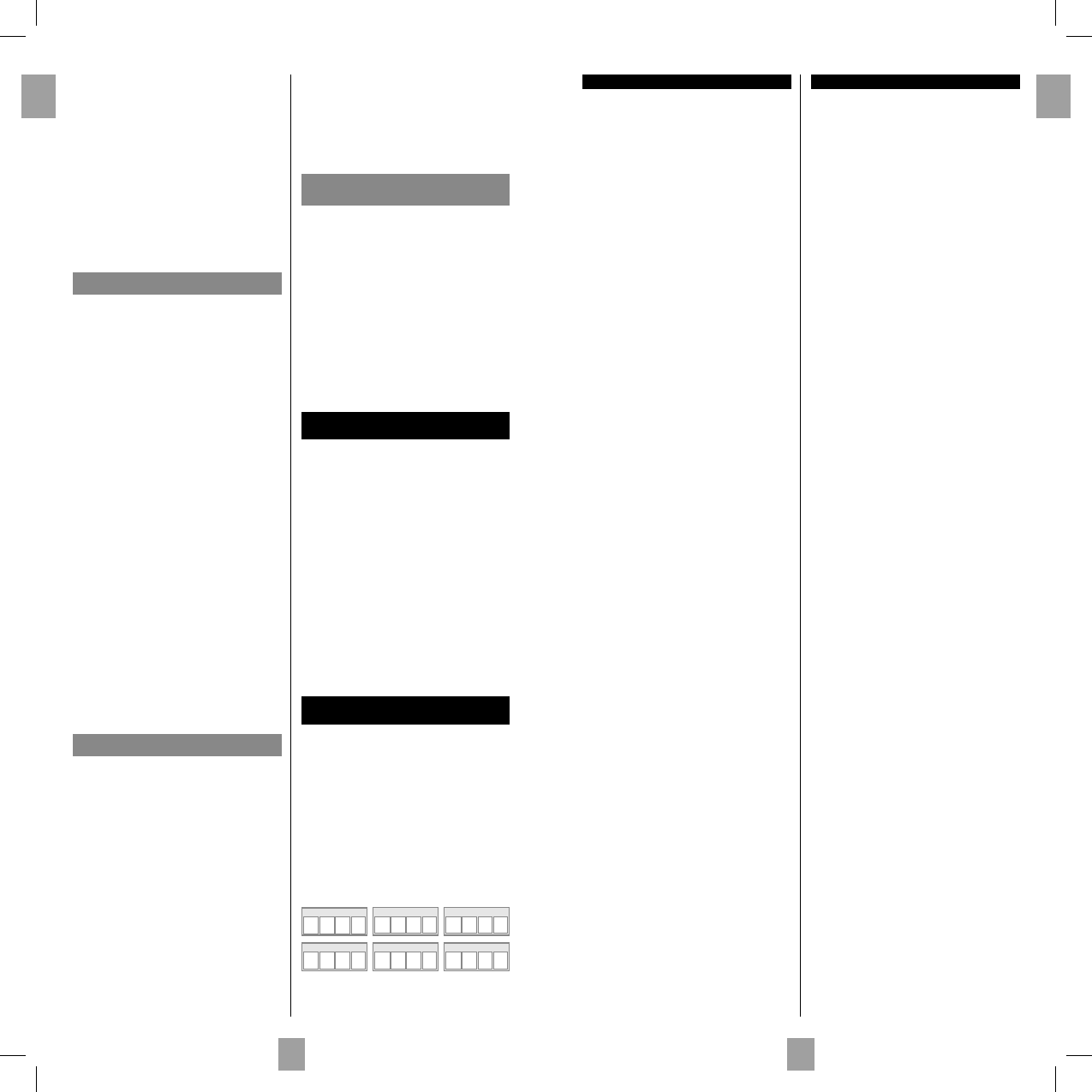
DVD CODE
TV CODE
AMP CODE
SAT CODE
AUX CODE
VCR CODE
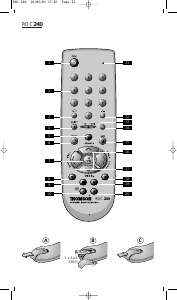
Replacing the batteries
Use 2 AAA 1.5 Volt batteries
1. Open the cover on the back of the remote control.
2. Check the +/– polarity on the batteries and inside
the compartment.
3. Insert the batteries.
4. Press the battery cover back into place.
When exchanging the batteries, it may be necessary to
reprogram the unit. Hence it is advisable to record the
codes needed for your devices.
00131874bda.indd Abs1:2-Abs1:300131874bda.indd Abs1:2-Abs1:3 05.10.2009 8:20:22 Uhr05.10.2009 8:20:22 Uhr


Deltag i samtalen om dette produkt
Her kan du dele, hvad du synes om Thomson ROC6309 Fjernbetjening. Hvis du har et spørgsmål, skal du først læse brugsanvisningen omhyggeligt. Anmodning om en brugsanvisning kan ske ved at bruge vores kontaktformular.