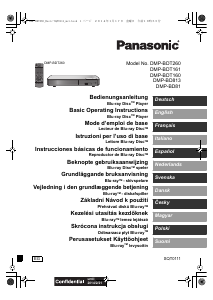
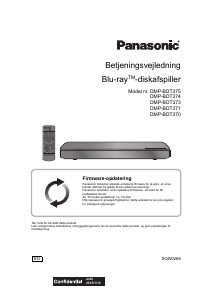
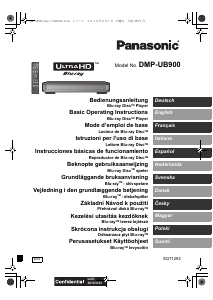
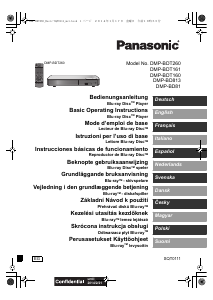
Brugsanvisning Panasonic DMP-BD65 Blu-ray afspiller

Har du brug for en brugsanvisning til din Panasonic DMP-BD65 Blu-ray afspiller? Nedenfor kan du se og downloade PDF-brugsanvisningen gratis på Dansk. Dette produkt har i øjeblikket 3 ofte stillede spørgsmål, 0 kommentarer og har 1 stemme med en gennemsnitlig produktvurdering på 100/100. Hvis dette ikke er den brugsanvisning, du ønsker, bedes du kontakte os.

Er dit produkt defekt, uden at brugsanvisningen har en løsning på problemet? Tag til en Repair Café, og få gratis reparation.

Brugsanvisning

Loading…
5
VQT2H96
English
Discs that cannot be played in this unit
Any other disc that is not specifically supported or
previously described.
2.6 GB and 5.2 GB DVD-RAM
DVD-RAM that cannot be removed from their cartridges
Super Audio CD
Photo CD
DVD-Audio
Video CD and Super Video CD
WMA discs
HD DVD
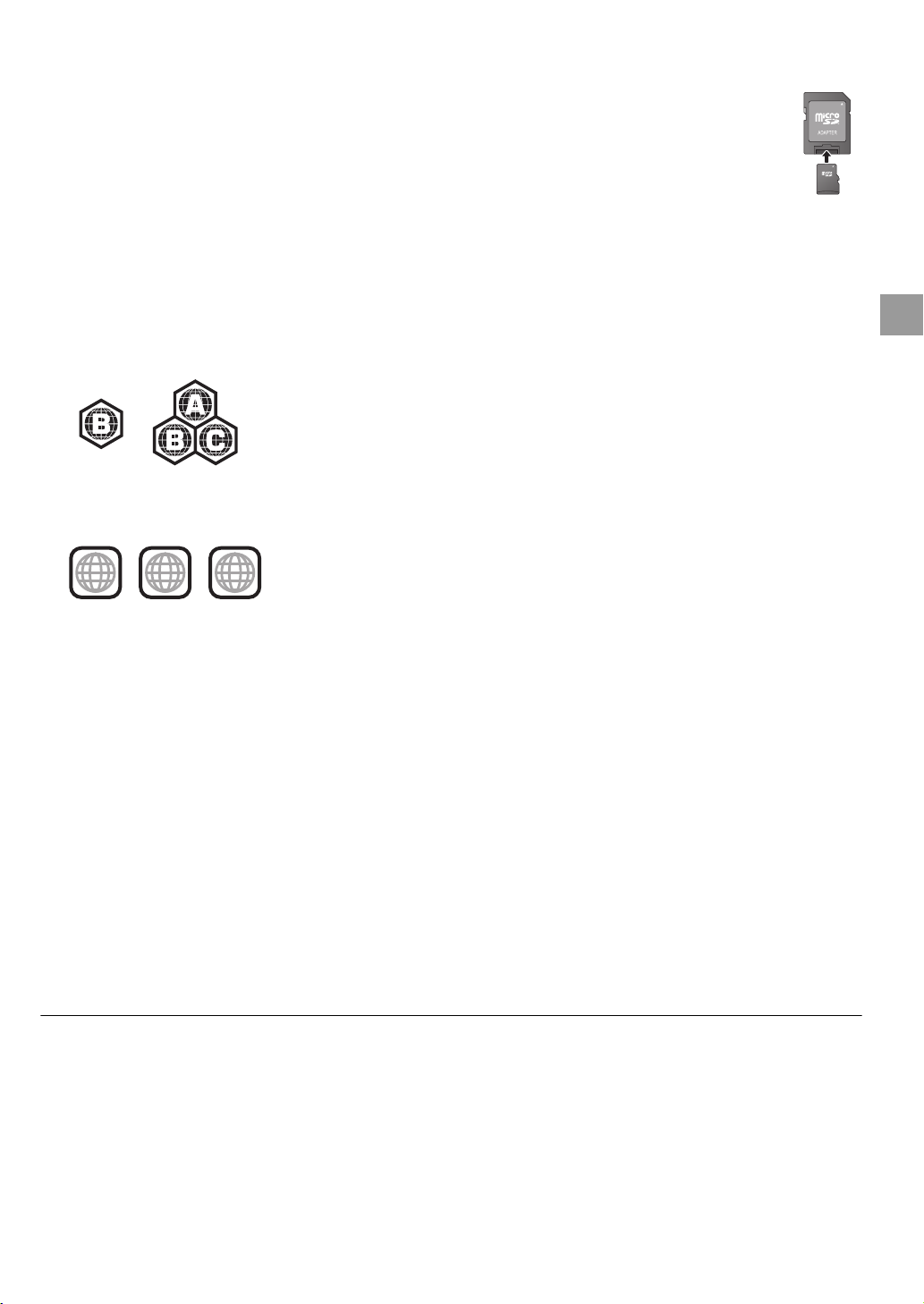
Region management information
BD-Video
This unit plays BD-Video marked with labels containing the
region code “B”.
Example:
DVD-Video
This unit plays DVD-Video marked with labels containing the
region number “2” or “ALL”.
Example:
Finalize
DVD-R/RW/R DL, +R/+RW/+R DL and CD-R/RW recorded by
a recorder, etc. needs to be finalized by the recorder to play
on this unit. Please refer to the recorder’s instructions.
BD-Video
Please enjoy BD-Live functions, such as the network
connection. The various functions differ depending on the
disc.
This unit supports high bit rate audio (Dolby Digital Plus,
Dolby TrueHD, DTS-HD High Resolution Audio and
DTS-HD Master Audio) adopted in BD-Video.
Music CD
Operation and sound quality of CDs that do not conform to
CD-DA specifications (copy control CDs, etc.) cannot be
guaranteed.
SD card
MiniSD Cards, microSD Cards, microSDHC
Cards and microSDXC Cards can be used, but
must be used with an adaptor card. These are
usually supplied with such cards, or otherwise
customer provided.
Keep the Memory Card out of reach of children
to prevent swallowing.
To protect the card’s contents, move the record
prevention tab (on the SD card) to “LOCK”.
This unit is compatible with SD Memory Cards that meet SD
Card Specifications FAT12 and FAT16 formats, as well as
SDHC Memory Cards in FAT32 format (Does not support
long file name.) and SDXC Memory Cards in exFAT.
If the SD card is used with incompatible computers or
devices, recorded contents may be erased due to the card
being formatted etc.
Useable memory may be slightly less than the card
capacity.
USB device
This unit supports connecting a USB memory, digital
camera and video camera produced by Panasonic, etc. It is
not warranted that all USB devices will work with this unit.
This unit does not support USB device charging.
FAT12, FAT16 and FAT32 file systems are supported.
This unit supports USB 2.0 High Speed.
BD-RE, BD-R
Discs recorded in DR mode using Panasonic Blu-ray Disc
recorders may not playback the audio etc., correctly.
It may not be possible to play the above media in some cases due to the type of media, the condition of the recording, the recording method and how the files
were created.
The producers of the disc can control how discs are played. So you may not always be able to control play as described in these operating instructions. Read
the disc’s instructions carefully.
2 ALL
3
5
2
(5)
BD65_45_EGsimple(VQT2H96).book 5 ページ 2010年1月20日 水曜日 午後3時41分
Download brugsanvisningen på Dansk (PDF, 4.78 MB)
(Tag hensyn til miljøet, og udskriv kun denne brugsanvisning, hvis det er virkelig nødvendigt)

Loading…

Bedømmelse

Fortæl os, hvad du synes om Panasonic DMP-BD65 Blu-ray afspiller ved at lave en produktbedømmelse. Vil du dele dine oplevelser med dette produkt eller stille et spørgsmål? Skriv en kommentar nederst på siden.
Er du tilfreds med Panasonic DMP-BD65 Blu-ray afspiller?
Ja Ingen
100%
0%
1 stemme

Deltag i samtalen om dette produkt

Her kan du dele, hvad du synes om Panasonic DMP-BD65 Blu-ray afspiller. Hvis du har et spørgsmål, skal du først læse brugsanvisningen omhyggeligt. Anmodning om en brugsanvisning kan ske ved at bruge vores kontaktformular.

Mere om denne brugsanvisning

Vi forstår, at det er rart at have en papirbrugsanvisning til din Panasonic DMP-BD65 Blu-ray afspiller. Du kan altid downloade brugsanvisningen fra vores hjemmeside og selv printe den. Hvis du gerne vil have en original brugsanvisning, anbefaler vi, at du kontakter Panasonic. De kan muligvis levere en original brugsanvisning. Leder du efter brugsanvisningen til din Panasonic DMP-BD65 Blu-ray afspiller på et andet sprog? Vælg dit foretrukne sprog på vores hjemmeside, og søg efter modelnummeret for at se, om vi har det tilgængeligt.

Specifikationer

Mærke Panasonic
Model DMP-BD65
Kategori Blu-ray afspillere
Filtype PDF
Filstørrelse 4.78 MB

Alle brugsanvisninger til Panasonic Blu-ray afspillere
Flere brugsanvisninger til Blu-ray afspillere

Ofte stillede spørgsmål om Panasonic DMP-BD65 Blu-ray afspiller

Vores support-team søger efter nyttige produktoplysninger og svar på ofte stillede spørgsmål. Hvis du finder urigtigheder i vores ofte stillede spørgsmål, må du meget gerne lade os det vide ved at bruge vores kontaktformular.

Kan en blu-ray-afspiller også afspille DVD'er? Verificeret

Ja, næsten alle blu-ray-afspillere er i stand til at afspille DVD'er.

Dette var nyttigt (138) Læs mere

Betyder det noget, hvilken HDMI-port jeg tilslutter min blu-ray-afspiller? Verificeret

Generelt kan du slutte en blu-ray-afspiller til enhver HDMI-port. Enheden kan derefter bruges ved at vælge den tilsvarende HDMI-kanal på dit tv.

Dette var nyttigt (95) Læs mere

Kan jeg selv reparere ridser på en Blu-ray? Verificeret

Ridser forhindrer de laser i at læse disken korrekt. Når ridserne kun er overfladiske, er det muligt at reparere dem selv ved at polere disken med en let slibende forbindelse. Ideelt set bruger du en professionel slibende forbindelse, men det er også muligt at bruge almindelig tandpasta. Efter polering af skiven skal den vaskes og lade den tørre. Der er specialiserede virksomheder, der kan gøre dette.

Dette var nyttigt (37) Læs mere
Brugsanvisning Panasonic DMP-BD65 Blu-ray afspiller

Relaterede produkter

Relaterede kategorier

×
Download